


 724
724Getting an inverted Live View microscope image when using a digital mirrorless or SLR camera?
No problem with Helicon Remote!
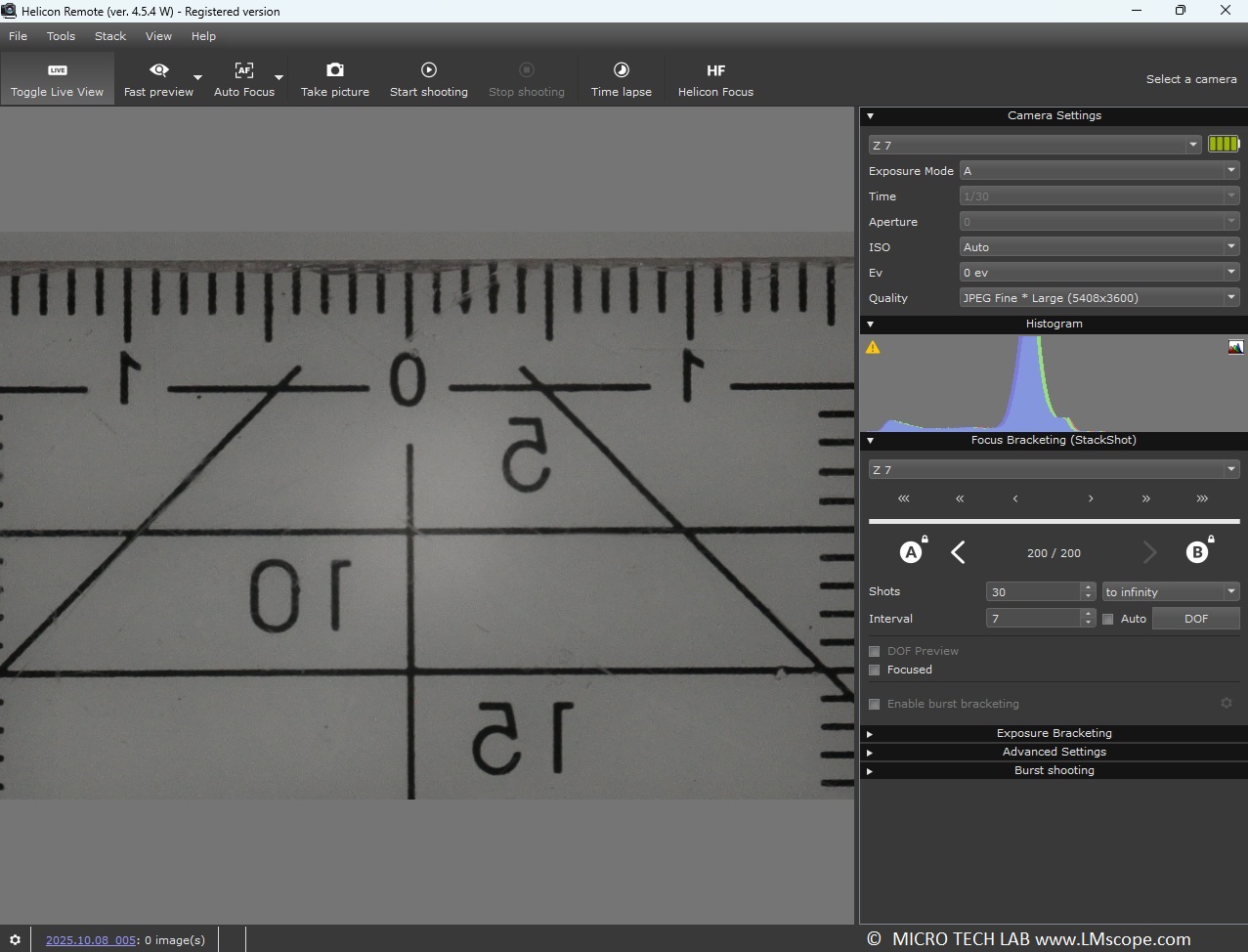
Helicon Remote is a software utility designed for tethered shooting and remote control of mirrorless system cameras and SLR cameras from Nikon, Canon and Sony (selected models only). It also provides the capability to control a motorised microscope stage (z-axis) equipped with a precision step motor. Helicon Remote is mostly used to automate the capture of multiple images at different focus distances for focus stacking in both micro and macro photography. Helicon Focus, another Helicon utility, is designed for rendering the stack of partially focused photos to combine them into a single, fully sharp image.
However, beyond these standard applications, the Helicon software suite offers a range of additional features and functions that are highly useful for microscope photography with digital cameras:
Because digital cameras are typically attached to the phototube or eyepiece tube using a microscope adapter with built-in optics, it is advisable to tether the camera to a computer either via a USB cable or a wireless network (WLAN/Wi-Fi). This setup enhances ergonomic efficiency because the Helicon software displays the Live View window on the computer and gives full control over the camera. As a result, the workflow becomes much more comfortable, as the larger, high-resolution computer monitor can be used for pinpoint focusing. The software also has other convenient features like a magnification tool, which simplifies the focusing process.
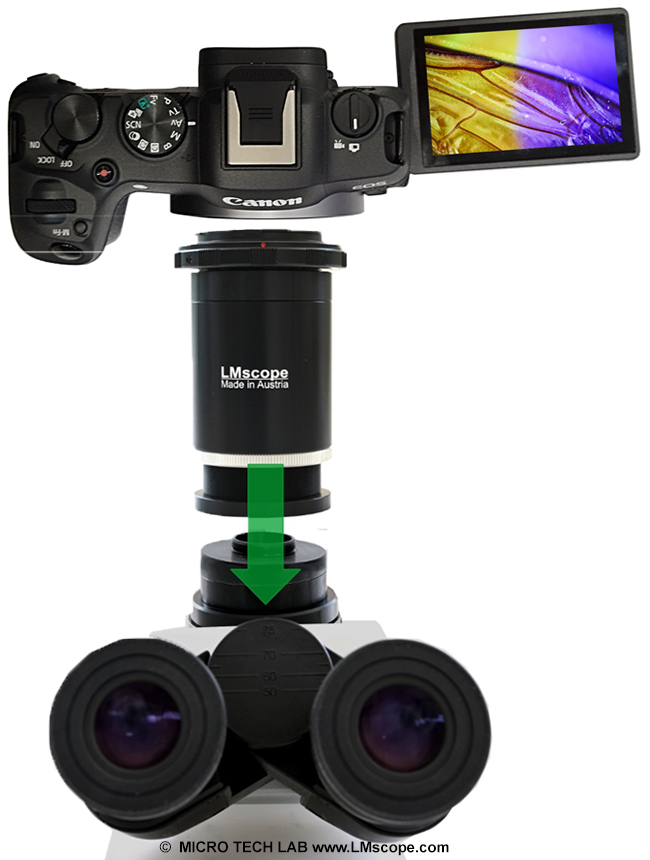
Depending on the microscope’s configuration, the live image may unexpectedly appear inverted on the computer monitor. With the Helicon software, this issue can be easily addressed by changing the software settings in the menu. The software supports both horizontal and vertical mirroring.
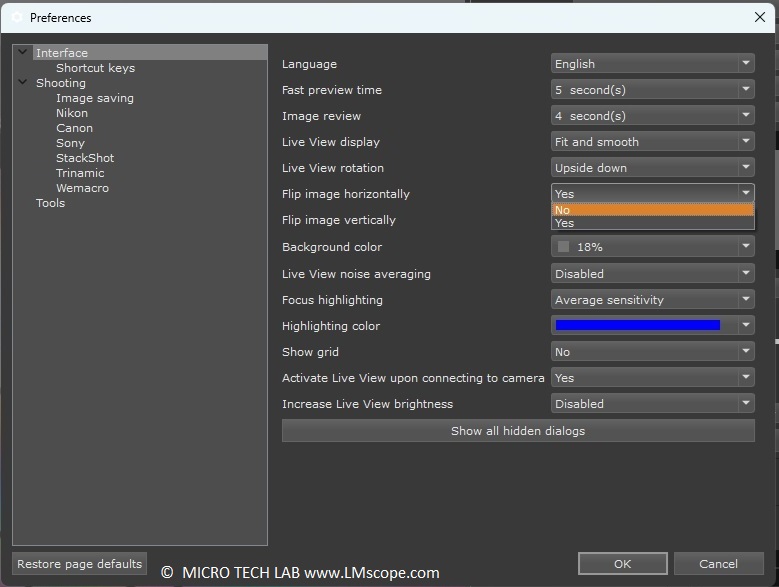
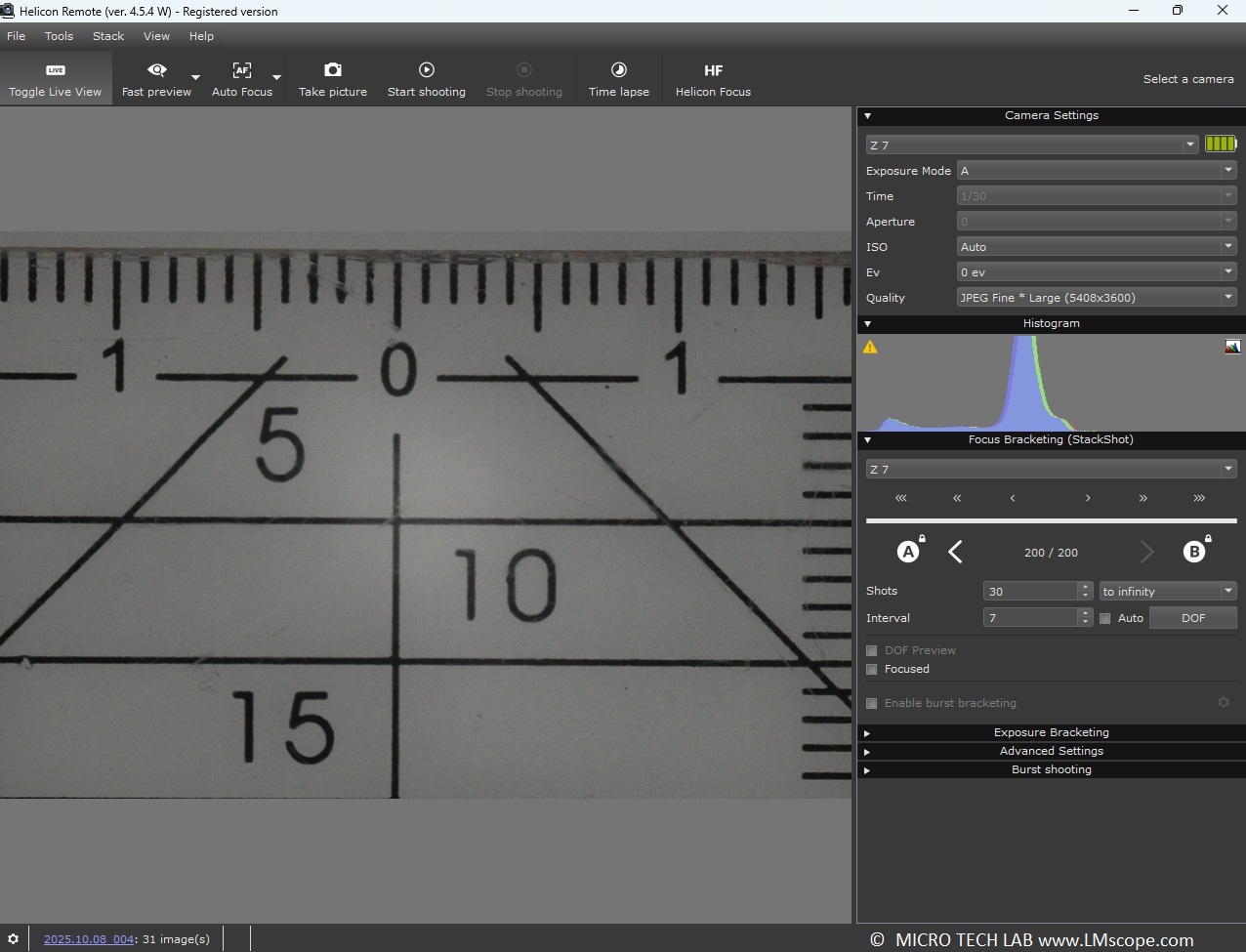
With a single click, the live image can be flipped back to its correct positon.
For low-light applications, such as fluorescence microscopy, it is also possible to increase the brightness of the Live View image through the adjustable brightness feature (1 EV to 5 EV). This facilitates more comfortable focusing when illumination is poor.
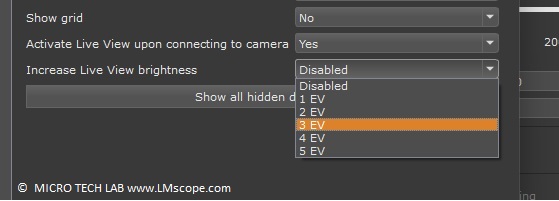
The software features the following other useful functions:
- Rotating the live image
- Displaying grid lines in the live image
- Noise reduction in the live image
- Time-lapse recording
- Focus stacking
- Exposure bracketing in HDR
The software can be used across platforms: At present, the following operating systems are supported:
- Windows (x86 / Windows 7 or higher)
- Mac OS (4.5.9)
- Android ( ab 5)
- iOS (ab 12.3)
For more information and downloads, please visit the manufacturer’s website.
17.12.2025New LM Digital Adapter for: Sony Alpha 9 III / Sony Alpha 7R VI / Nikon Z9 / Nikon Z8 / Sony Alpha 7R V / Sony Alpha 1 II / Sony Alpha 1 / Sony Alpha 9 II (ILCE-9M2) / Sony FX3 Cinema Line / Sony Alpha 9 / Nikon D6 / Canon EOS R3 / Sony FX3 / Canon EOS R6 Mark II / Canon EOS R8 / Sony Alpha 7R IV / Canon EOS R5 II / Nikon Z6III / Canon EOS R5 / Sony Alpha 7S II / Sony Alpha 7S III / Sony Alpha 7R III / Canon EOS R6 / Nikon Z6 / Nikon Z6II / Sony Alpha 7R II / Nikon Z7 / Nikon Z7II / Canon EOS R / Canon EOS Ra (Astro) / Nikon Z5 / Sony Alpha 7C / Canon EOS RP / Sony Alpha 7S / Canon EOS R7 / Leica SL2-S / Canon EOS R10 / Nikon Z50 II / Canon EOS 1D X Mark III / Nikon Z50 / Nikon Z30 / Nikon Z fc / Nikon D850 / Canon EOS 1D X Mark II / Nikon D780 / Olympus OM-1 / Sony Alpha 7III / Olympus OM-D E-M1 Mark III / Canon EOS R100 / Sony Alpha 6700 / Nikon D5 /