|
Data
transfer
|
|
|
|
|
||
via Video Output PAL (NTSC) |
video monitor |
No computer needed. Real time-video on the big screen. Significant quality loss compared to digital mode. >>> for further information |
via Video Output PAL (NTSC) |
video recorder + video monitor |
No computer needed. Real time-video on the big screen. Significant quality loss compared to digital mode. |
|
|
||
via Video Output PAL (NTSC) |
video card + computer |
No video monitor needed. Analog real time-video on the big screen. Significant quality loss in the analog mode compared to the digital mode. Digital hard disk recording possible. Digital photo processing. >>> for further information |
|
|
||
With USB cable Attention: The operating system Microsoft ® Win NT® does not support the USB port |
computer |
Full efficiency of the digital camera can be exhausted. 3.3 million pixels (with Nikon Coolpix 990) !!!! Fast transfer of the single pictures. The smart memory card does not have to be taken out of the camera. Real Time-observation is possible only on the camera´s LCD display. |
With serial cable |
computer
|
Full efficiency of the digital camera can be exhausted. 3.3 million pixels !!!! Slower transfer of the single pictures compared to USB. Many modern digital cameras do no longer have a serial port. Real Time-observation is possible only on the camera´s LCD display. |
With Compact Flash ® or other memory cards |
special printer e.g. Hp Photosmart 1100 |
No computer needed. Full efficiency of the digital camera can be exhausted. 3.3 million pixels (with Nikon Coolpix 990) !!!! Compact Flash memory sticks or other memory cards have to be taken out of the camera and put into the printer. |
With Compact Flash ® or other memory cards Can be used alternatively when using the operating system Microsoft ® Win NT® |
card reader + computer
|
Full efficiency of the
digital camera can be exhausted. 3.3 million pixels (with Nikon Coolpix 990) !!!! Compact Flash memory sticks or other memory cards have to be taken out of the camera and put into the card reader. |
Sony DV Camcorder DCR PC 120E via FireWire®-interface card |
computer |
Digital transfer of video sequences from the DV camcorder to the computer via a IEEE 1394 (Firewire®, ILINK®)- interface card. Full efficiency of the DV camcorder can be exhausted (720x576), no video monitor necessary. Digital real-time observation on the big screen. Hard disc recording (digital !! video recording) is possible. Digital image processing. >>> for further information
|
Advantages of digital image processing
| =>
Image-/Video-editing of the digital images by software => Easy setting up of a picture database on hard disc and/or CD => Immediate sending by e-mail or uploading in the internet => Immediate printing on your printer (photo realistic quality)
|
Which digital camera functions best on a microscope? |
|
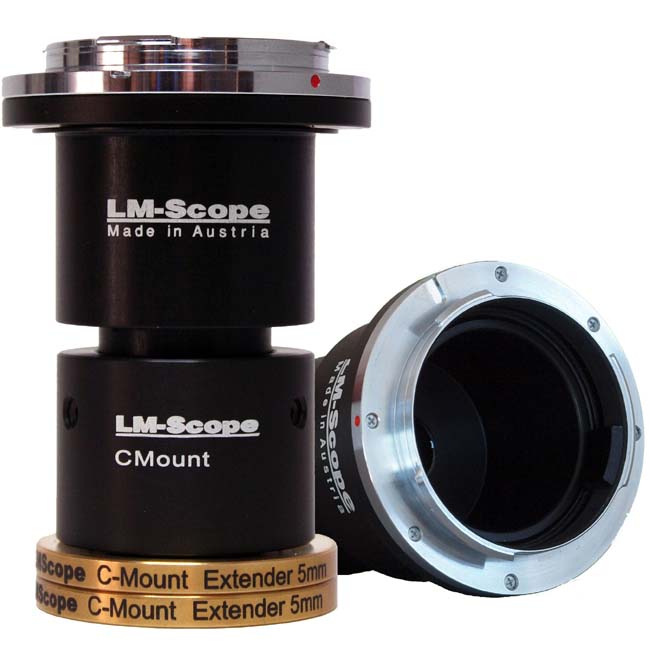
High-end intermediate optics for the connection of digital camera and microscope |
|
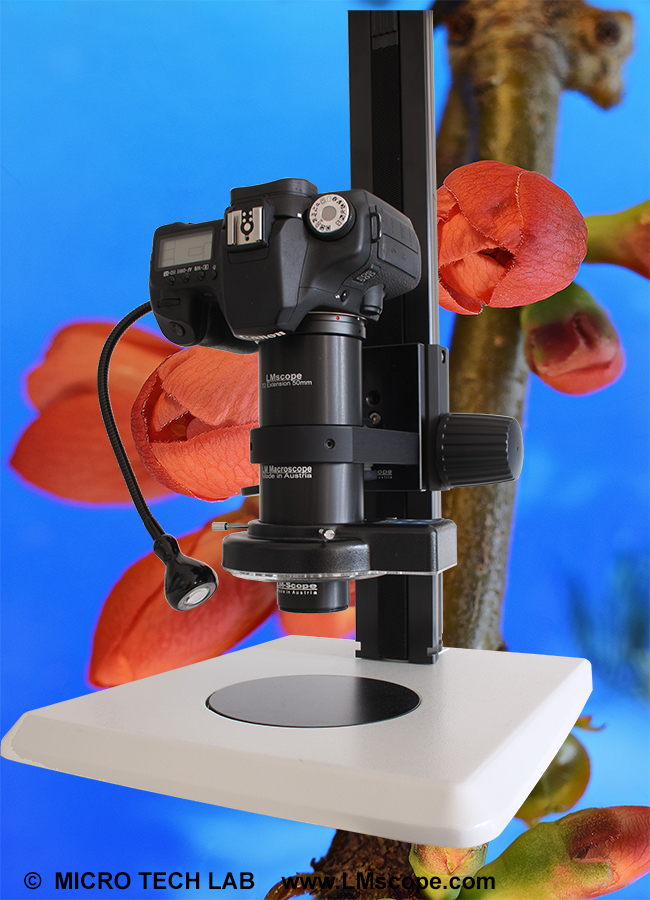
Turn your digital reflex camera into a microscope Digital SLR cameras can now be converted into a microscope simply by screwing the LM DSLR macro lens onto the existing lens. LM DSLR macro lens 40mm / 80mm |
|
Tips and tricks for Digicams / Camcorders | |
| Demo pictures taken with Digital Cameras and Camcorders |
|
|
|
| Newsletter |
|