Canon PowerShot S80 in Microscopy


With 8 megapixels and a video live streaming function, the Canon PowerShot S80 is well suited for microscopy. Only a few digital compact cameras provide the option of controlling the camera remotely via the USB cable and also viewing a motion image on the computer monitor. The objects being viewed can be monitored perfectly on the computer. Once you have found the desired details and have used the micrometer screw on the microscope to focus the image, you just need to use the mouse to click on the “Capture” button and the photo is sent to the computer’s hard drive. Using the computer eliminates many laborious procedures, which makes it possible to work quickly and efficiently. When capturing an image manually, camera shakes often cause blurring or fuzziness. Using the computer, by contrast, is comfortable and increases the picture quality. Immediately after the capture, the photo is transferred to the computer through the USB 2.0 hi-speed interface. The picture quality can be immediately be assessed in full resolution (8 megapixels) using the Canon “ZoomBrowser EX (Windows)” software. The lengthy process of transferring digital photos from the memory card to the computer is no longer necessary at all. In the case of video streaming via the USB 2.0 hi-speed interface, the live view is transferred directly to the computer. No additional hardware, such as Framegrabber, or TV card is needed. The Canon PowerShot S80 turns into a type of hi-end webcam.The ZoomBrowserEX that comes with the camera is a handy image viewer tool and complements the Canon PowerShot S80 with a multitude of functions.


The digital camera must first be connected to the USB cable and the computer.


When the camera is switched on, a dialog box opens and the following message appears:


Once you have selected the remote capture window, click on “Start Remote Capture”.


The program asks you to specify the folder in which the photos are to be stored.


Once you have selected the folder, in which the photos are to be stored, the “RemoteCaptureTask” window is displayed. In this window, you can see the live view. The Canon PowerShot S80 is operated in a “webcam mode” and the preview image is sent via the USB interface.


The digital camera’s zoom lens can be controlled using the computer mouse. The computer program can also be used to adjust many other camera settings.


If you have set everything up correctly, then one click on the “Capture” button is sufficient to immediately save the photo on the hard drive.


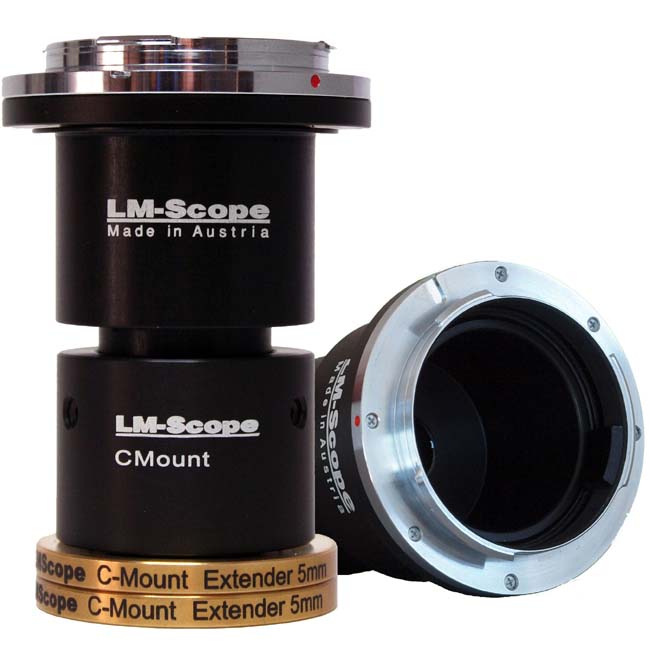
New LM digital adapter for:

Canon EOS 1Ds Mark III / Canon EOS 450D / Digital Rebel XSi / Canon EOS 1D Mark III / Canon EOS 1Ds Mark II / Canon EOS 40D / Canon EOS 5D / Canon EOS 400D / Digital Rebel XTi / Canon EOS 30D / Canon EOS 1D Mark II / Canon PowerShot S80 / Canon EOS 20D / Canon EOS 20Da / Canon EOS 350D / Digital Rebel XT / Canon EOS 1D Mark II N / Canon EOS 10D / Canon EOS 300D / Digital Rebel / Canon PowerShot G9 / Canon PowerShot A640 / Canon PowerShot G7 / Canon PowerShot S5 IS / Canon PowerShot A630 / Canon PowerShot S70 / Canon PowerShot A560 / Canon PowerShot A550 / Canon PowerShot A570 IS / Canon PowerShot A710IS / Canon PowerShot A620 / Canon PowerShot G6 / Canon PowerShot A540 / Canon PowerShot A700 / Canon PowerShot S3 IS / Canon PowerShot A610 / Canon PowerShot S2 IS / Canon PowerShot S60 / Canon PowerShot A95 / Canon PowerShot A90 / Canon PowerShot G5 / Canon PowerShot G3 / Canon PowerShot A520 / Canon PowerShot A85 / Canon PowerShot G2 / Canon PowerShot A80 / Canon PowerShot G1 / Canon PowerShot A70 / Canon PowerShot A75 / Canon PowerShot A510 / Canon HR10 / Canon PowerShot A40 / Canon PowerShot A60 / Canon XL H1 / Canon PowerShot A30 /


Which digital camera functions best on a microscope?


High-end intermediate optics for the connection of digital camera and microscope


Turn your digital reflex camera into a microscope
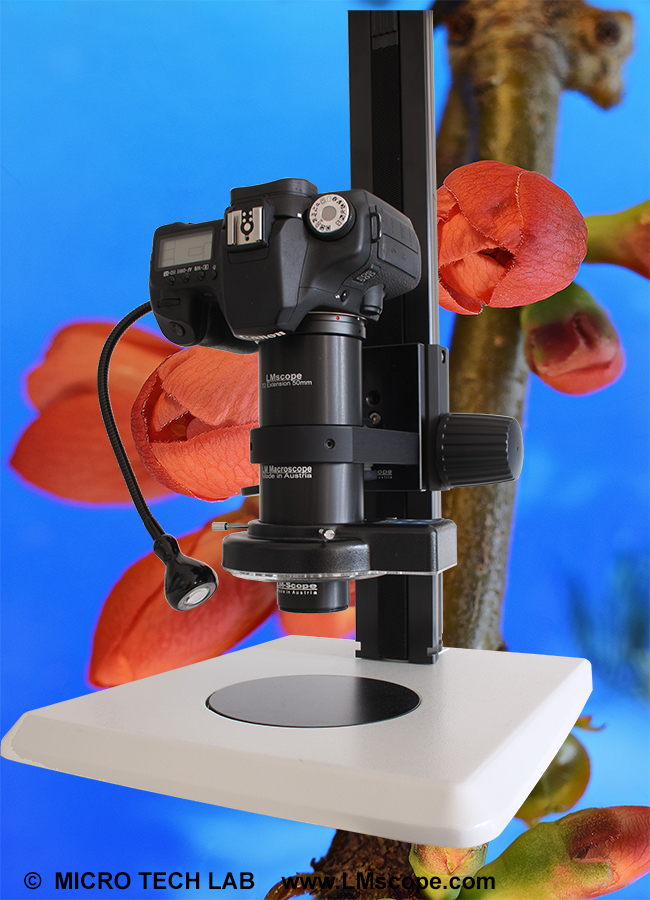
Digital SLR cameras can now be converted into a microscope simply by screwing the LM DSLR macro lens  onto the existing lens.
LM DSLR macro lens 40mm / 80mm 


Tips and tricks for Digicams / Camcorders
Demo pictures taken with Digital Cameras and Camcorders


© 1999-2008 MICRO TECH LAB. All rights reserved

How to order
Contact
Home
 Newsletter